Introduction
In the fast-paced world of finance and accounting, manual data entry is a significant bottleneck. Malaysian bookkeepers often find themselves spending 15+ hours per week manually typing data from bank statements, receipts, and invoices into accounting software.
This is not only a drain on resources but also a major source of errors. Fortunately, there are proven strategies to automate these tasks. Here are 5 ways to automate bookkeeping data entry in Malaysia and reclaim your time.
1. Integrate Bank Feeds Directly
The most effective way to eliminate manual bank statement entry is to set up direct bank feeds. Most major accounting software platforms (like Xero, QuickBooks Online, and MYOB) offer integrations with major Malaysian banks (e.g., Maybank, CIMB, Public Bank).
- How it works: Transactions are automatically imported from the bank into the accounting software every day.
- The Benefit: Completely eliminates the need to download and upload bank statements manually.
- The Catch: Some older or smaller banks might not support direct feeds, or the connection may occasionally drop, requiring re-authentication.
2. Utilize OCR for Paper Invoices and Receipts
Optical Character Recognition (OCR) technology has advanced significantly. Instead of manually entering details from paper receipts and supplier invoices, use an OCR-powered app.
- How it works: You snap a photo or scan the document. The software extracts the date, supplier name, amount, and tax information.
- Tools: Apps like Dext or Hubdoc integrate directly with accounting software, automatically creating draft bills.
- The Benefit: Speeds up accounts payable processing and ensures receipts are digitally archived for tax purposes (LHDN compliance).
3. Implement Bank Statement OCR for Missing Feeds
When direct bank feeds aren't an option—perhaps you're dealing with a client's historical data, a bank that doesn't support feeds, or an account you don't have direct access to—specialized bank statement OCR is the answer.
- How it works: You upload PDF bank statements to a dedicated tool like SEA Bank OCR. The AI extracts the transactions and exports them as a clean CSV file formatted for your accounting software.
- The Benefit: Turns hours of typing into minutes of review, especially crucial for historical catch-up work or dealing with clients who only provide PDF statements.
4. Create Automated Bank Rules
Once data is in your accounting software (via feeds or OCR), you still need to categorize it. Automated bank rules handle this.
- How it works: You set up conditions (e.g., "If the description contains 'PETRONAS', categorize as 'Motor Vehicle Expenses'").
- The Benefit: The software automatically suggests the correct category for recurring transactions, reducing the time spent reconciling the bank account. You just need to click "OK".
5. Standardize Your Chart of Accounts
Automation works best when there is consistency. A confusing or overly complex Chart of Accounts (COA) makes automation rules difficult to apply.
- How it works: Review and simplify your COA. Ensure expense categories are logical and consistently applied.
- The Benefit: Easier setup for automation rules and fewer manual corrections needed when the software attempts to auto-categorize transactions.
Reclaim Your Time
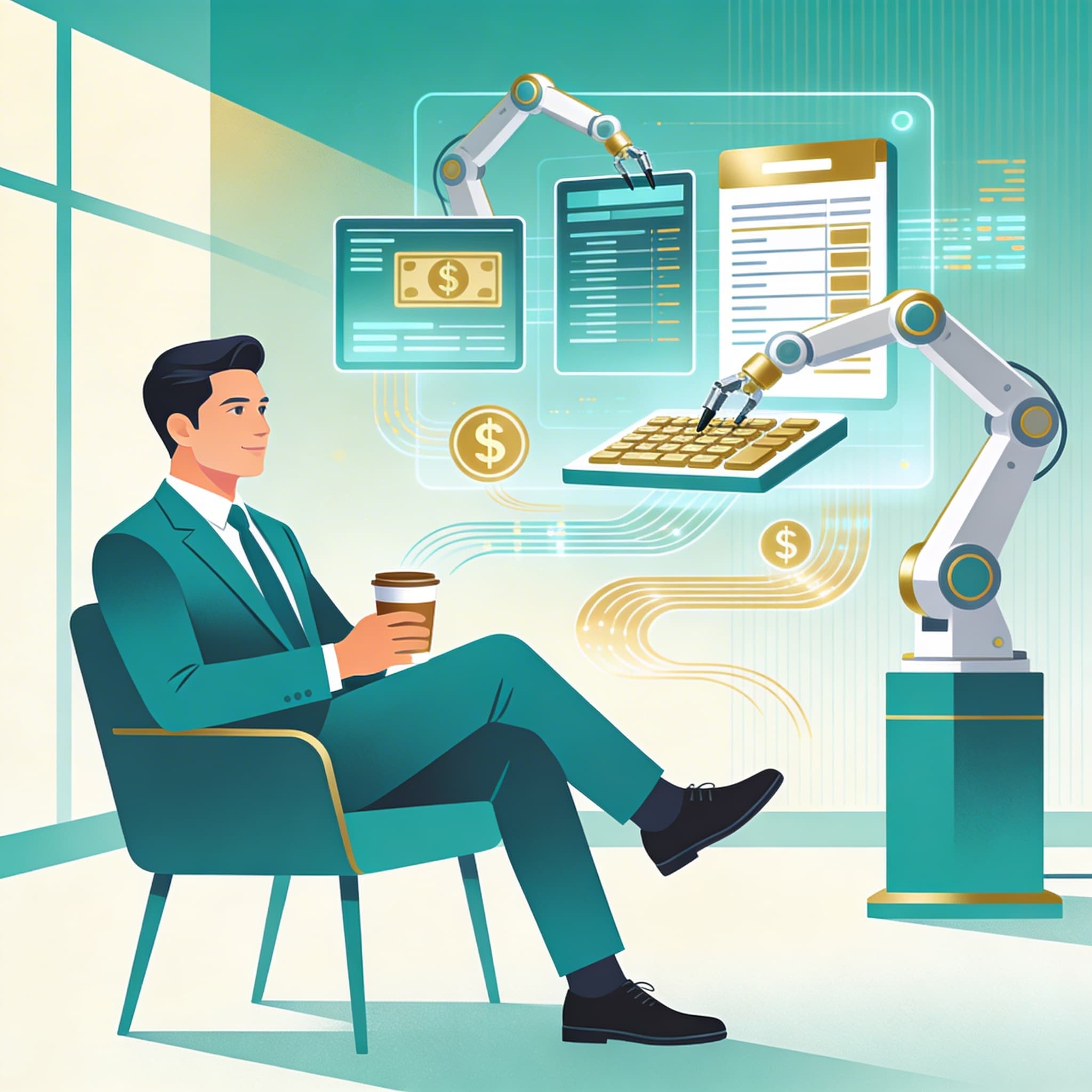
By implementing these 5 strategies, you can transition your bookkeeping practice from a manual data-entry factory to a streamlined, automated operation. This allows you to serve more clients, improve accuracy, and focus on providing valuable financial advice rather than just processing paperwork.